
AI Art Generator: Create Digital Masterpieces
No brushes required. Transform your imagination into stunning digital paintings, concept art, and illustrations using our free AI art generator.
Your Digital AI Canvas
Your Artwork
Blank Canvas Awaits
Describe your artistic vision above, and our AI will bring it to life right here.
✨ Create unlimited AI images • No signup required • Commercial use allowed
The Ultimate Canvas for Digital Creators
Whether you are a seasoned illustrator experiencing creator's block, or a beginner with a vivid imagination, our free AI art generator provides the perfect tools for your artistic journey.
Master Any Art Medium
Why limit yourself to one style? Command our AI to generate intricate oil paintings, delicate watercolors, bold acrylics, precise pencil sketches, or vibrant digital vector art. The choice of medium is entirely yours.
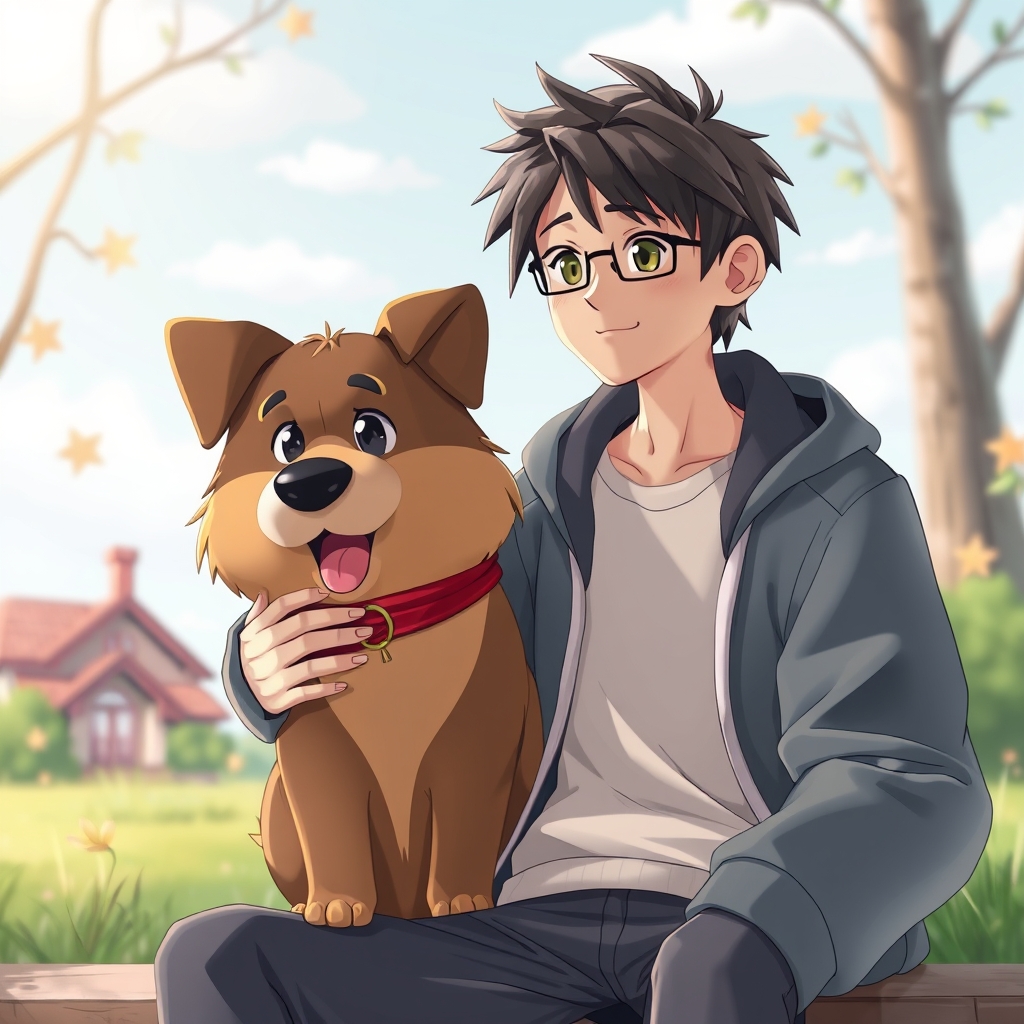
Perfect for Concept Art & Storyboarding
Game developers, authors, and directors use our free AI art generator to quickly visualize environments, character designs, and mood boards. Turn a textual description of a fantasy realm into a visual reference in under 15 seconds.
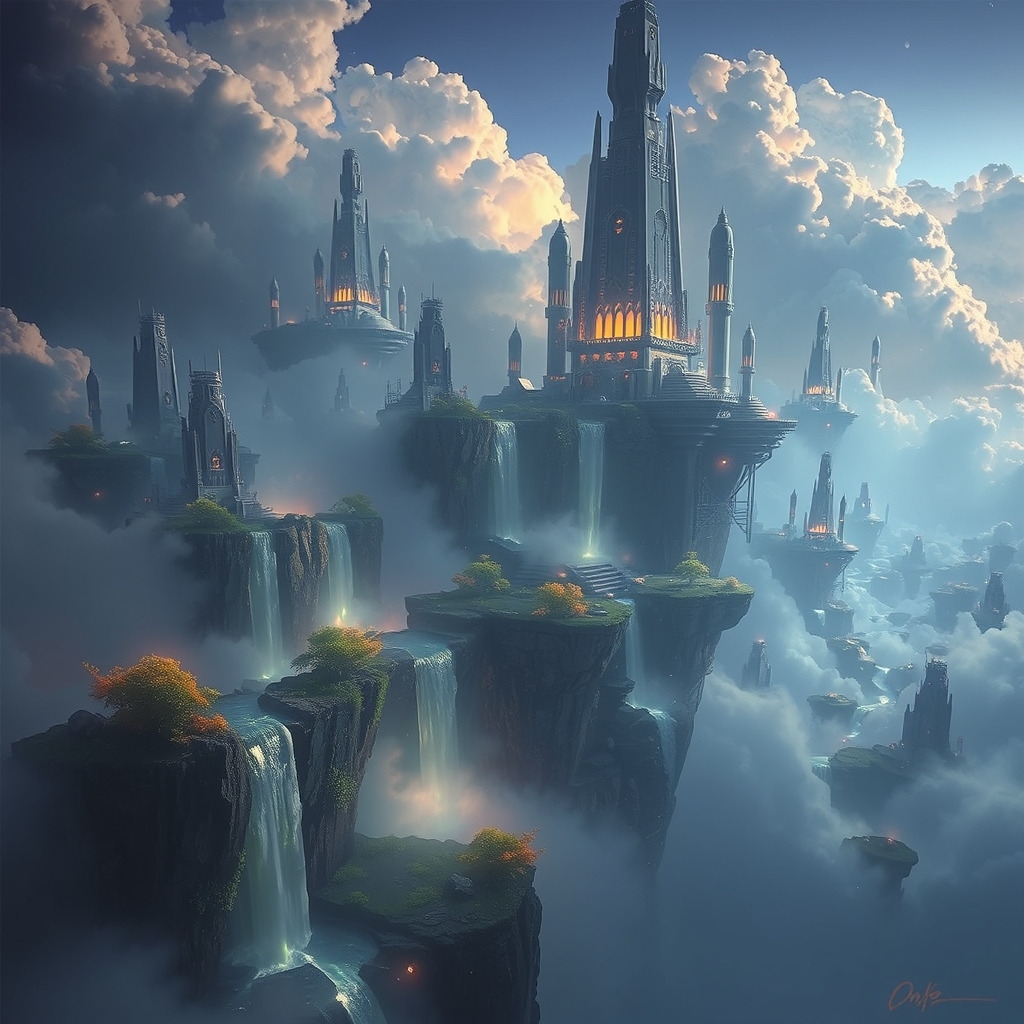
Studio-Grade Composition & Lighting
Our underlying models (like FLUX and Phoenix) are trained on millions of high-quality artworks. They inherently understand the rule of thirds, color theory, and complex lighting setups like chiaroscuro or cinematic rim lighting.
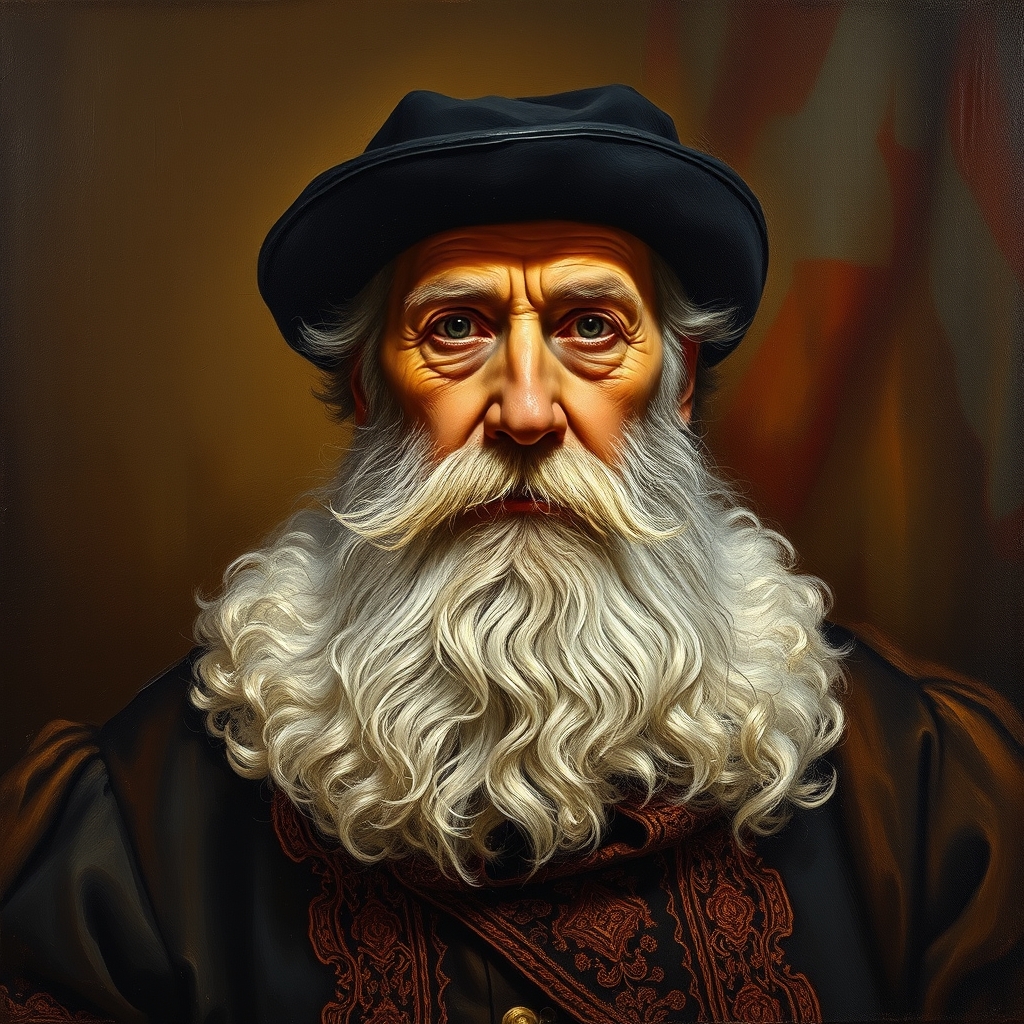
High-Fidelity, Print-Ready Exports
Creating art isn't just for screens. Download your AI-generated artwork in stunning high resolution, perfectly suited for printing on physical canvases, posters, merchandise, or publishing in digital art books.
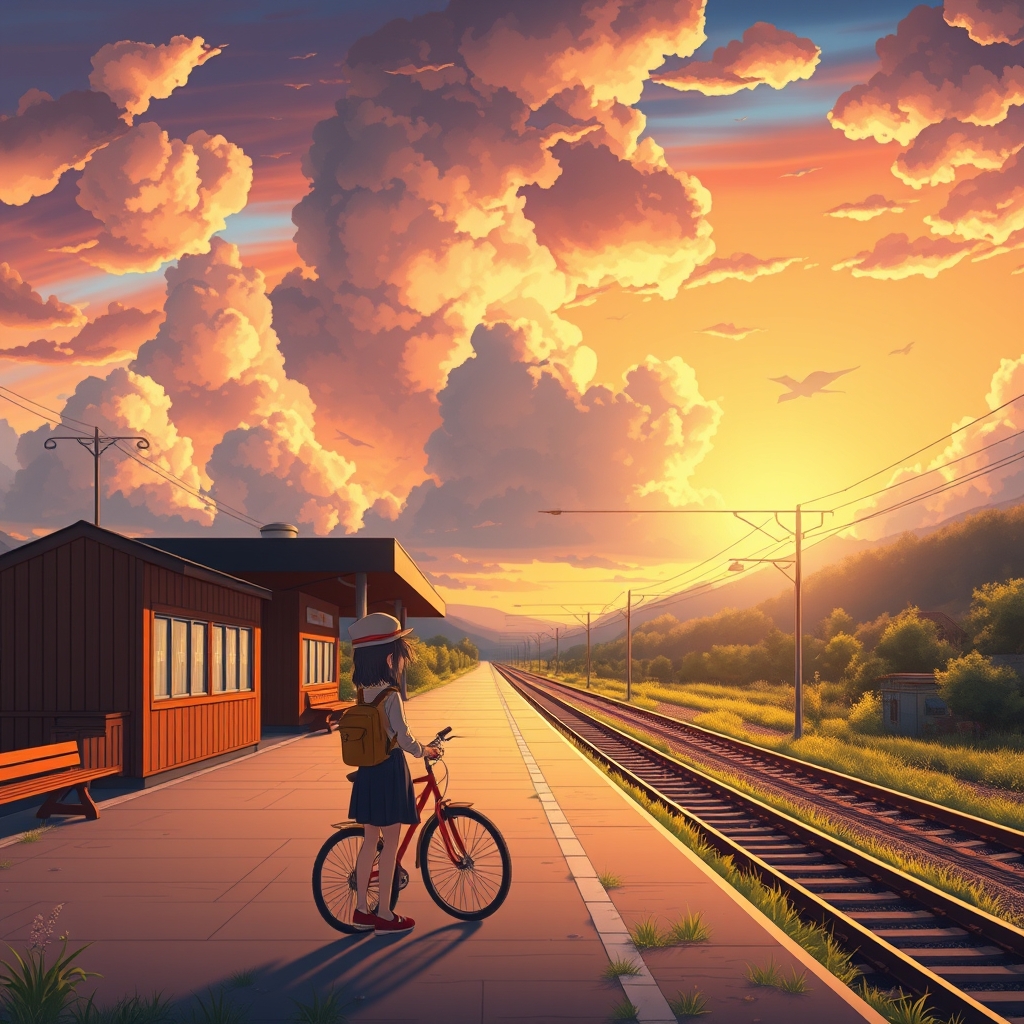
From Concept to Canvas in 3 Steps
No drawing tablet required. Just your imagination and our free AI art generator.
1. Conceptualize Your Vision
Write a detailed prompt describing the subject, the setting, and the emotional tone of the artwork.
2. Select Your Artistic Medium
Choose your desired aspect ratio and specify if you want a realistic portrait, an anime illustration, or a 3D render.
3. Render and Refine
Click generate. Within seconds, your unique digital artwork is ready to be downloaded, shared, or printed.
Ready to paint your first digital masterpiece?
Completely Free • No Watermarks • Full Commercial Rights
Techniques for Stunning AI Artworks
Elevate your prompts from simple text to detailed art direction.
Define the Art Medium
Always specify how the art was created. Use modifiers like 'impasto oil painting', 'charcoal sketch', 'digital concept art', or 'risograph print' to drastically change the output texture.
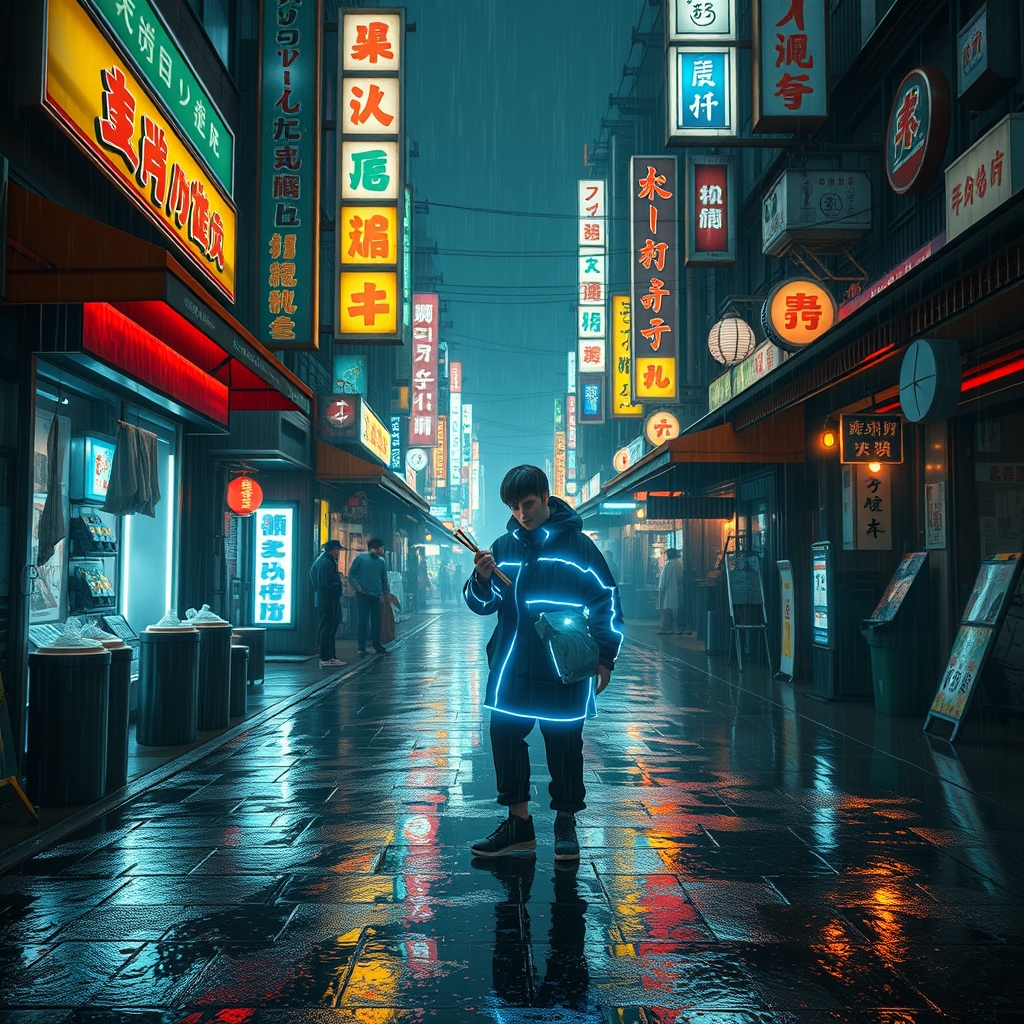
Invoke Color Palettes & Mood
Colors drive the emotional impact of art. Try adding 'monochromatic', 'vibrant neon colors', 'pastel palette', or 'melancholy dark tones' to your prompt to control the atmosphere.
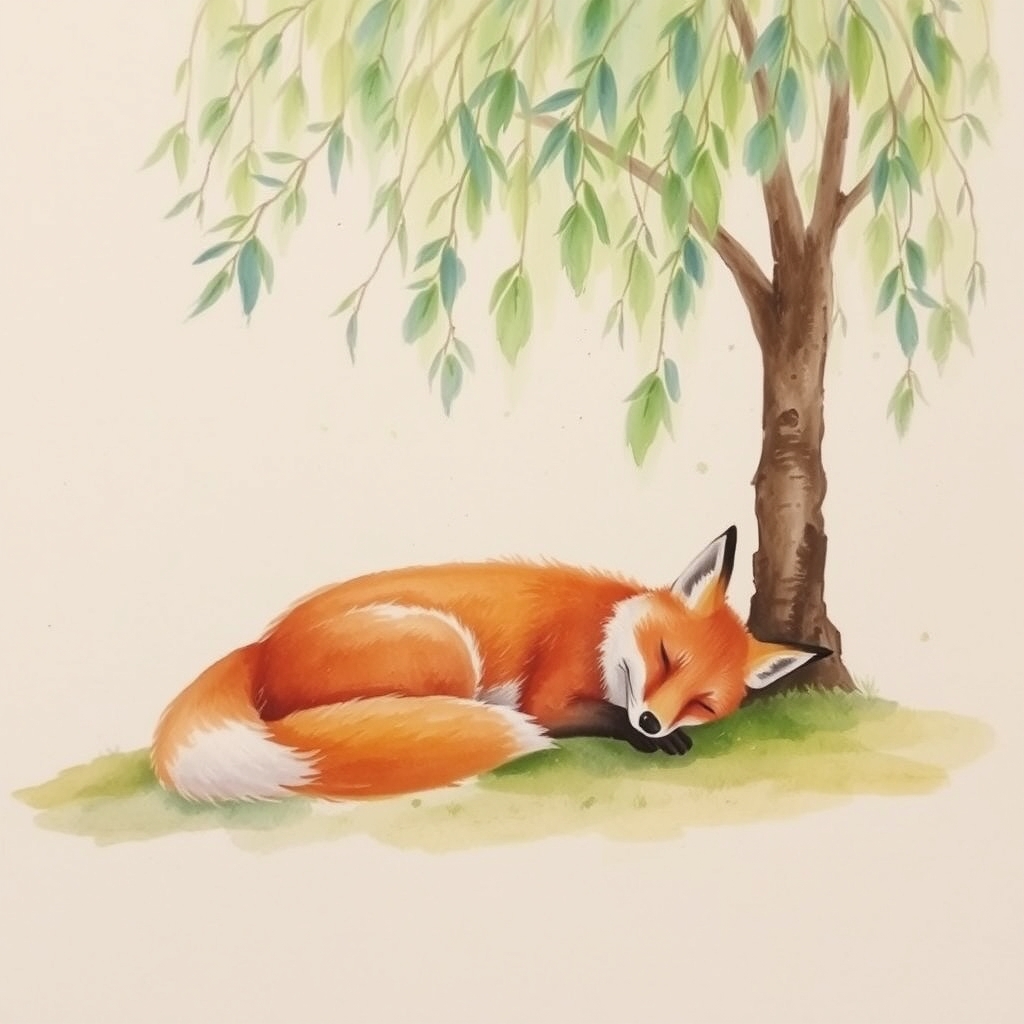
Reference Art Movements
Borrow inspiration from art history. Adding terms like 'Renaissance', 'Cyberpunk', 'Art Deco', 'Surrealism', or 'Ukiyo-e' gives the AI a strong stylistic foundation to build upon.
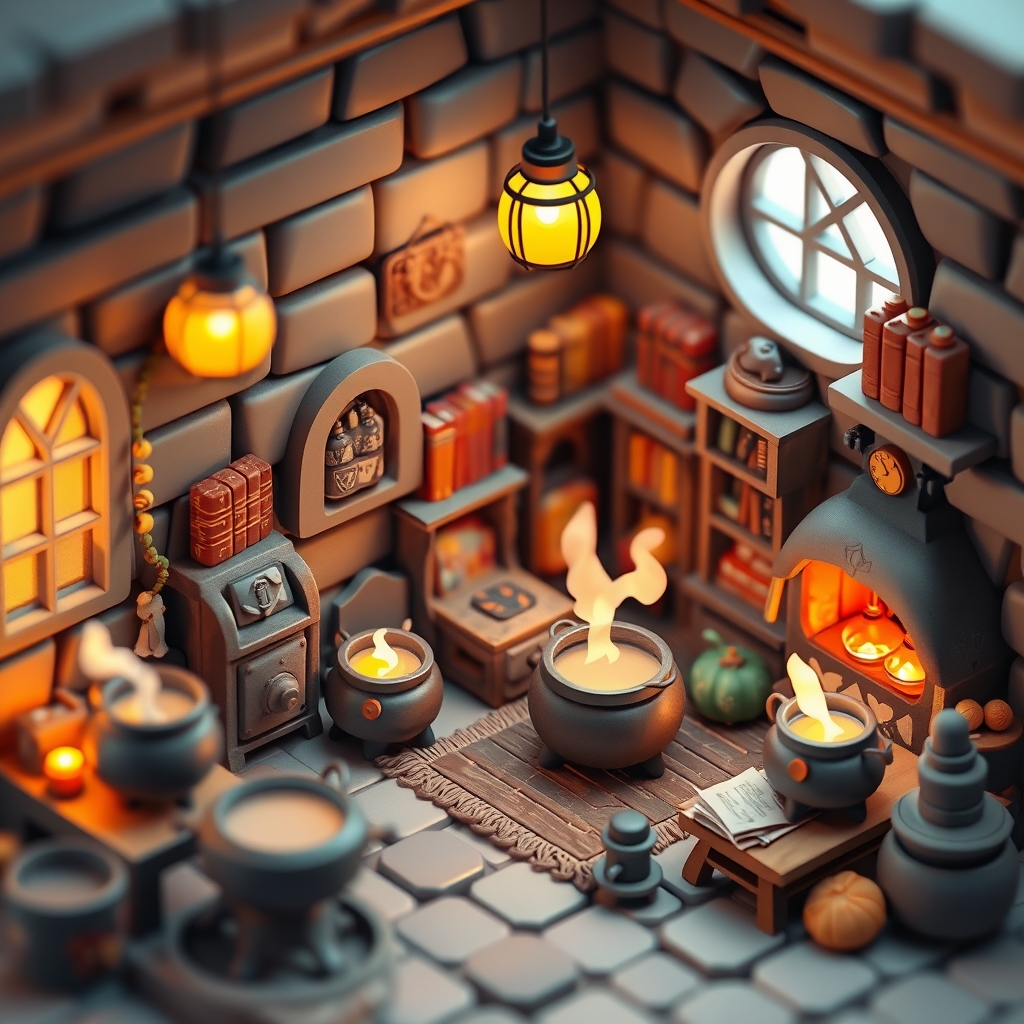
Stories from the Creative Community
Discover how artists, writers, and designers are using our AI canvas.
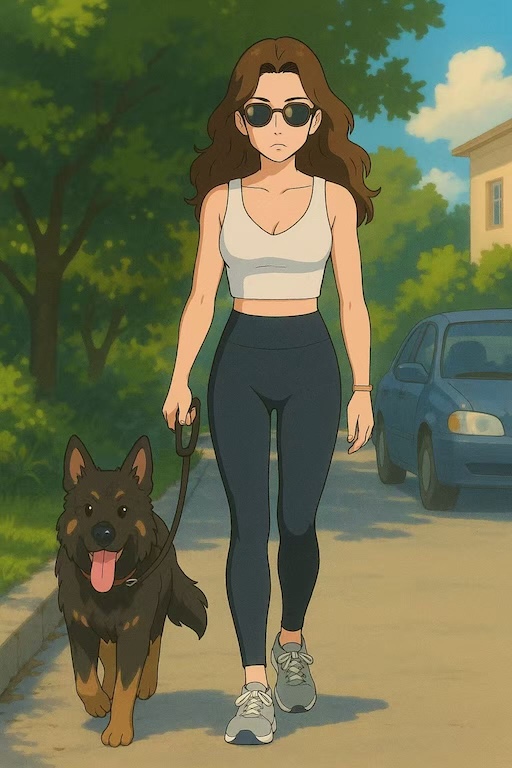
Marcus Thorne
Fantasy Author
"As an indie author, commissioning cover art and character illustrations was incredibly expensive. This free AI art generator allows me to bring my fantasy worlds to life exactly as I imagined them. My readers love the visual companions to my books!"

Sophie Laurent
Indie Game Developer
"I use this tool exclusively for my game's concept art and UI backgrounds. The ability to generate consistent 'cyberpunk pixel art' styles has saved me hundreds of hours of manual drawing. It's an indispensable part of my dev toolkit."
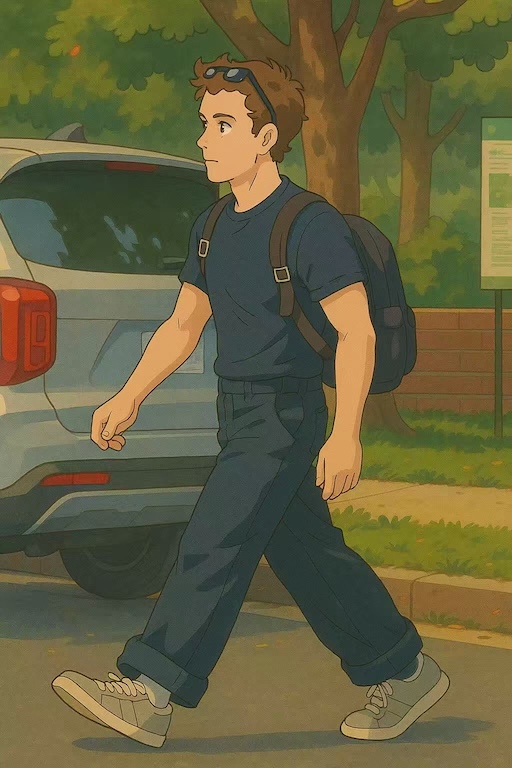
James Wilson
Digital Illustrator
"At first, I was skeptical about AI art. But now I use this free AI art generator to overcome blank canvas syndrome. Whenever I'm stuck on a composition or color palette, I generate a few variations here to spark my inspiration. It's like having a creative brainstorming partner."
4.9/5 Creative Rating
150,000+ Artists
10M+ Canvases Painted
Zero Artistic Limits
AI Art Generation FAQs
Common questions about creating, owning, and using AI-generated artwork.
How is an AI Art Generator different from a standard Image Generator?
While standard image generators often focus on photorealism and general photography, our free AI art generator is heavily optimized for creative, stylized, and artistic outputs. It excels at understanding art mediums (like watercolor, oil, or digital painting), art history movements, and illustrative techniques, making it the perfect tool for digital artists and creatives.
Can I generate Anime or Manga style art?
Yes! Our models are highly capable of producing stunning anime and manga illustrations. Simply include keywords like 'anime style', 'manga illustration', 'cel shading', or 'Studio Ghibli aesthetic' in your prompt, or select the Anime style preset before generating.
Do I own the copyright to the AI art I create?
Absolutely. Any artwork you generate using our free AI art generator belongs to you. You are granted full commercial usage rights, meaning you can sell your generated art as prints, use it in commercial video games, print it on merchandise, or use it for book covers without paying any royalties.
How can I make my AI art look like an oil painting?
To achieve a traditional painted look, use specific texture keywords in your prompt. Try adding phrases like 'thick impasto oil painting', 'visible brushstrokes', 'canvas texture', and 'classical painting style'. The AI will simulate the physical properties of paint.
Is this tool suitable for professional concept artists?
Many professional concept artists use our free AI art generator as a brainstorming tool. It's excellent for quickly iterating through color palettes, composition ideas, and environment layouts before committing to a final manual painting. It speeds up the initial ideation phase significantly.
Why is my generated art sometimes missing details like hands or faces?
AI models sometimes struggle with complex human anatomy in wider shots. To fix this, try generating a closer portrait, or add reinforcing keywords like 'highly detailed face', 'perfect anatomy', or 'intricate details'. If you are using our advanced models, you can also run the generation a few times to get the perfect result.
Can I use this free AI art generator without creating an account?
Yes, we believe in removing barriers to creativity. You can use our free AI art generator instantly without signing up, logging in, or providing any personal information. Just type your prompt and start creating.
Still have questions? We're here to help.